Offline (ZIP)
Free forever
- Screenshot capture
- Network requests as HAR
- Screen recording with trim
- User actions and events
- Element snapshot with HTML path
- Offline ZIP export
- Console logs
- Runs in Chrome (Manifest V3)
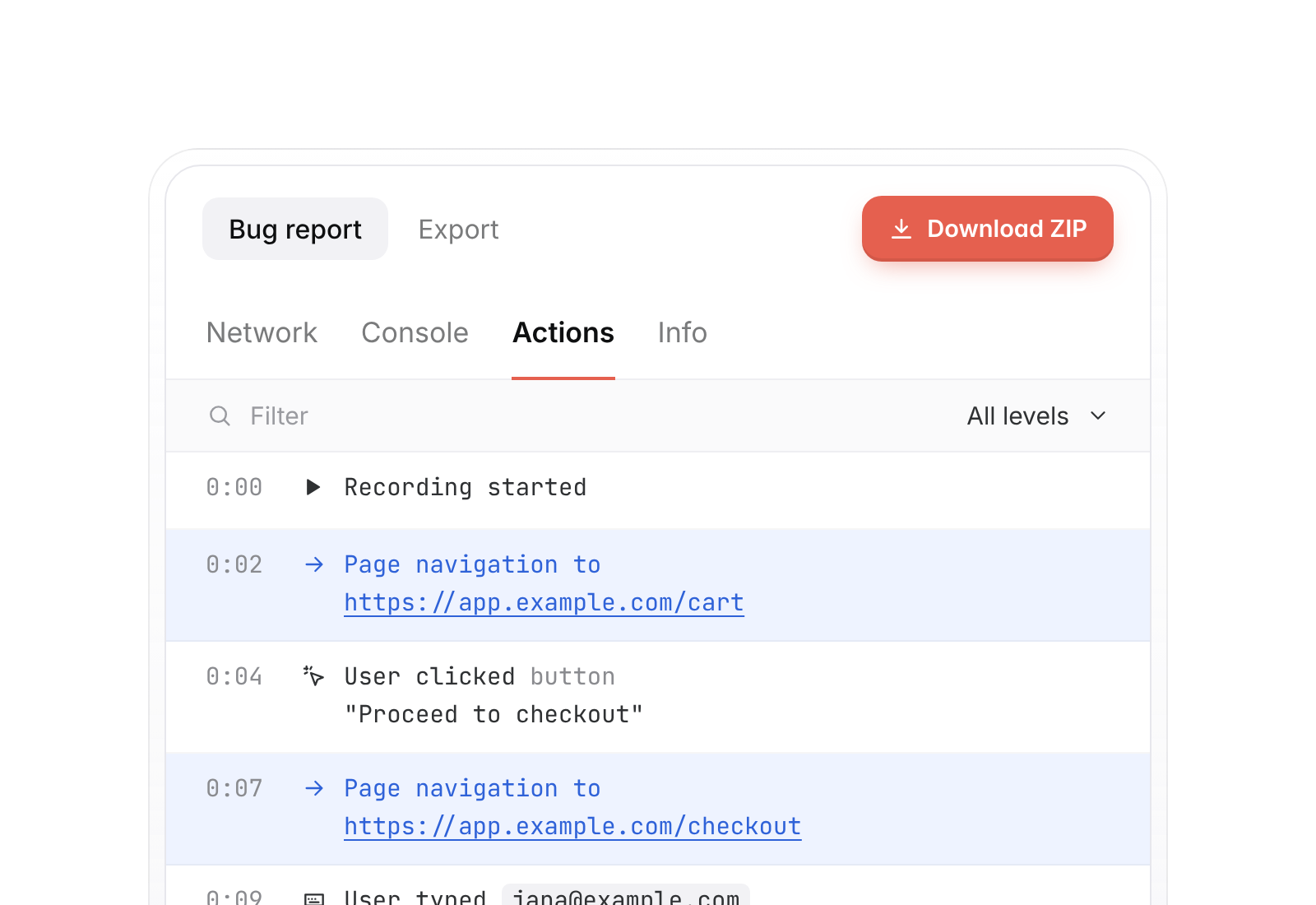
A Chrome extension that captures a screenshot or screen recording together with the console logs, network requests and user actions. Export it all as one ZIP, offline.
Take a screenshot, record the screen or pick a single element. Whichever you choose, the logs, requests and actions come along.
Capture the tab, then mark the problem with the drawing tools before it goes into the report.
Record a tab or the whole desktop, with or without the microphone. Trim the clip before you export it.
The markers above the timeline show errors, failed requests and clicks, at the moment they happened.
Point at any element on the page. Quirksee saves a snapshot of it with its HTML path, so a developer finds the button you meant without asking.
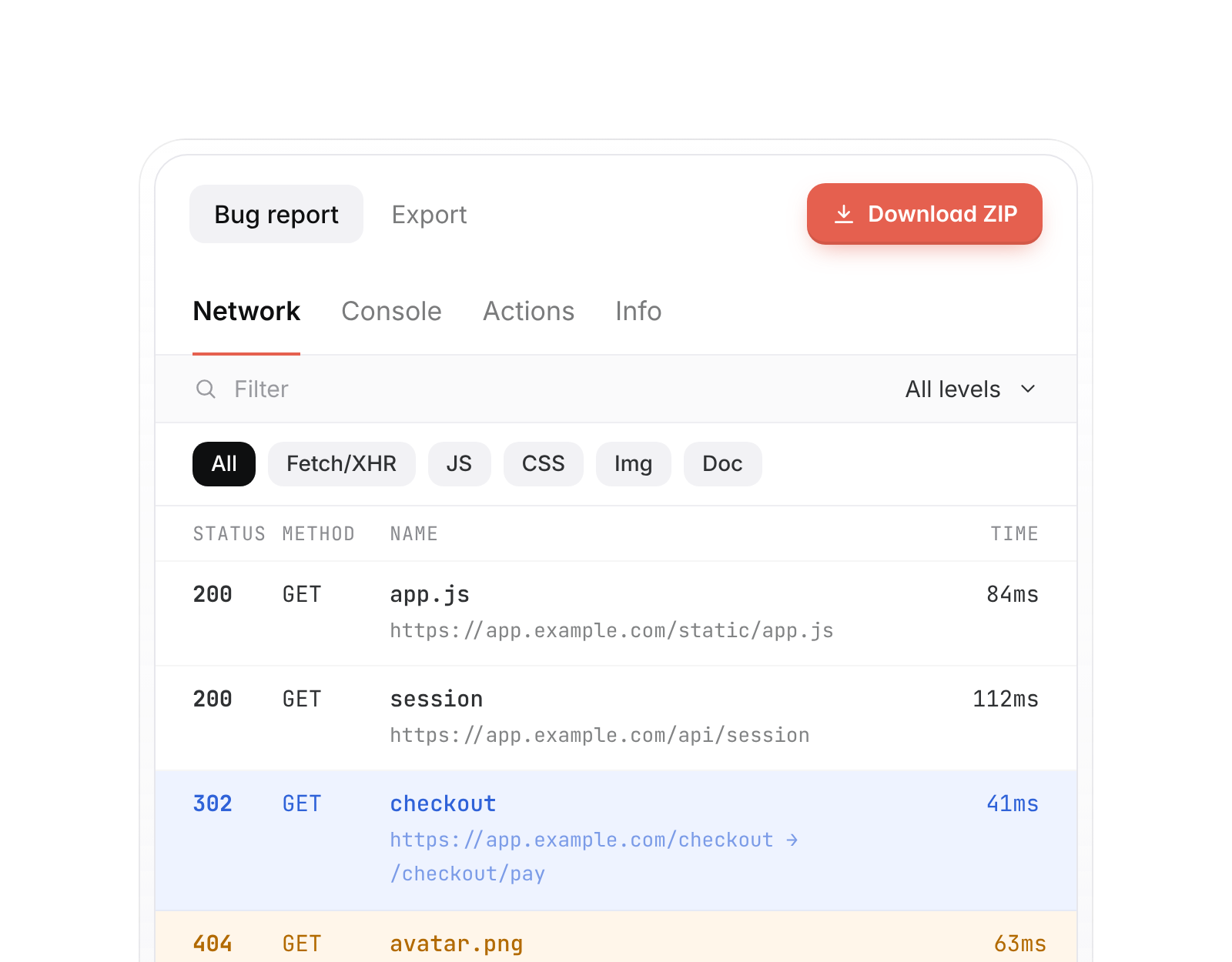
Every capture is saved with the data a developer would otherwise ask you for.
Offline export is free forever. The ZIP holds the capture and the logs, requests and actions that belong to it, so you can attach it to a ticket or drop it in a chat.
Self-hosting, Microsoft Entra single sign-on and a Jira Server / Data Center integration are being built. None of it is available yet. If you need it, tell us what your team runs.
Enterprise pricing is a conversation.
Contact sales.
Offline (ZIP)
Enterprise
In development
Enterprise questions go to sales. Everything else is answered here.
From the Chrome Web Store. Open the listing, choose Add to Chrome, and you are set. The current version is 1.0.1.
Yes. Offline (ZIP) is free forever.
A screenshot or screen recording, plus console logs, network requests as a HAR file and the user actions. An element snapshot includes the HTML path.
Chrome. Quirksee is a Manifest V3 extension.
There is no date yet. Self-hosting, Microsoft Entra SSO and the Jira Server / Data Center integration are in development. Contact sales to talk about what you need.